My Personal Website

Categories
Video Tutorial Project

IT Tutorial 2

Makecode Coding IT Tutorial

This is an IT Tutorial about simple things to use Microbit and coding thing Microbits in Makecode. In this tutorial i explained about the Basic codes and codes for buttons. Not just that also the things about the cable (Data: 0; GND: GND; V3: V3).

Makecode is free you can do it in they’re website: https://makecode.microbit.org/. Also to learn it you can go to: https://microbit.org/projects/make-it-code-it/. To learn about the basics of Drag & Drop Codings or maybe if you want Phython & JavaScript.

IT Presentation

Tinybit & Microbit is quite different but both of them can be code with Microsoft Makecode. Before we know how to code we need to know what is Microbit and waht is Tinybit. First is Microbit, Microbit is a pocket sized programmable and codeable computer. Different from Tinybit, Tinybit is a combined Microbit with other things (A Microbit Attached to other things) such as Ultrasonic sensor, motor and else.

Use makecode to code it, also use the link to get the dark green blocks. Use broadcast to make the code start. You can make the Tinybit follow a line spin, move forward or else
Categories
Video Tutorial Project

IT Tutorial 1

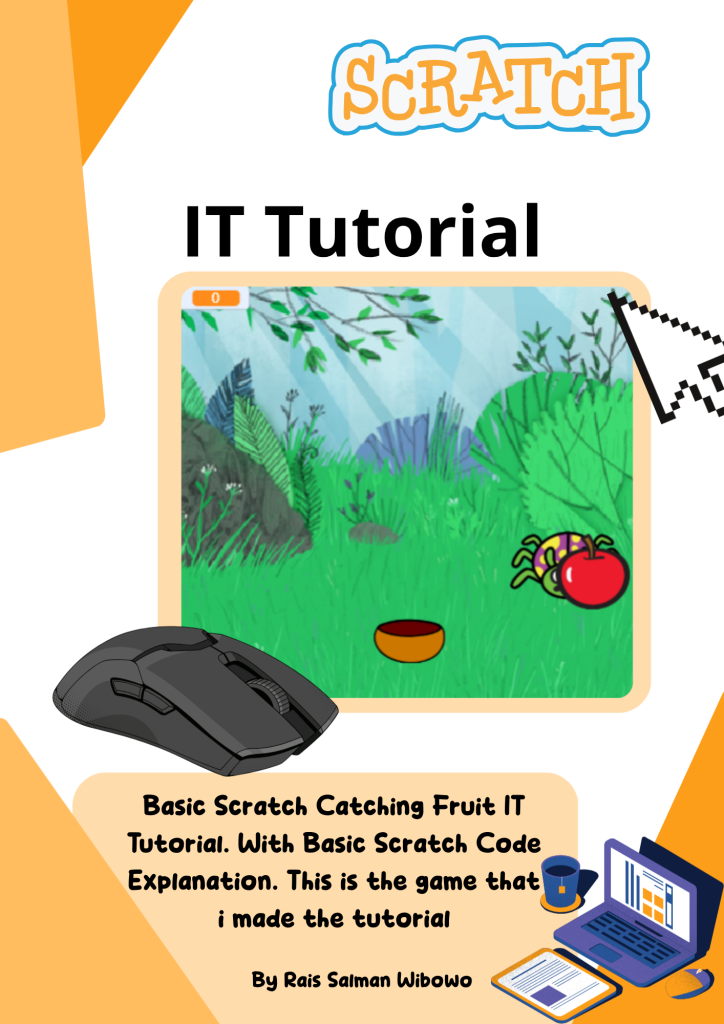
Catching Fruit IT Tutorial

This IT Tutorial is a tutorial: How To Make Catching Fruit. That is an easy game to make for starters to understand and learn. My catching Fruit game use simple codings, like If statements and events with broadcast, also the  forever statements.

To move  the bowl. Use D (To move Right) & A (To move Left)

To Win you just need to get more then 9 scores (10 scores). But becarufull if your scores is below zero (-1) you will lose the game.

The First Part

The Second part

English Presentation
How To Make Website?

Website is a collection of related web pages, hosted on a web server, and identified by a common domain name, or web address. To make a website, define its purpose and audience, choose a builder, secure hosting, design it, add content, and promote it.

Today i will describe about personal website and how to make it. A Personal Website is a website created by an individual to showcase their interests and others in a customizable space like for example my website that you are visiting.

To make a website or personal website use WordPress. WordPress is a free, easy-to-use CMS for creating and managing websites. Don’t forget use Elementor in your website. Elementor is a WordPress plugin for designing websites without code. Install WordPress, add Elementor and use drag-and-drop features and templates for your personal website.

So the conclusion is a personal website represents an individual’s identity and can display a portfolio, blog, resume, or interests. To create one, you need a platform, domain name, hosting, layout design, and content. WordPress makes this easy for beginners with its themes, plugins, and management tools.